
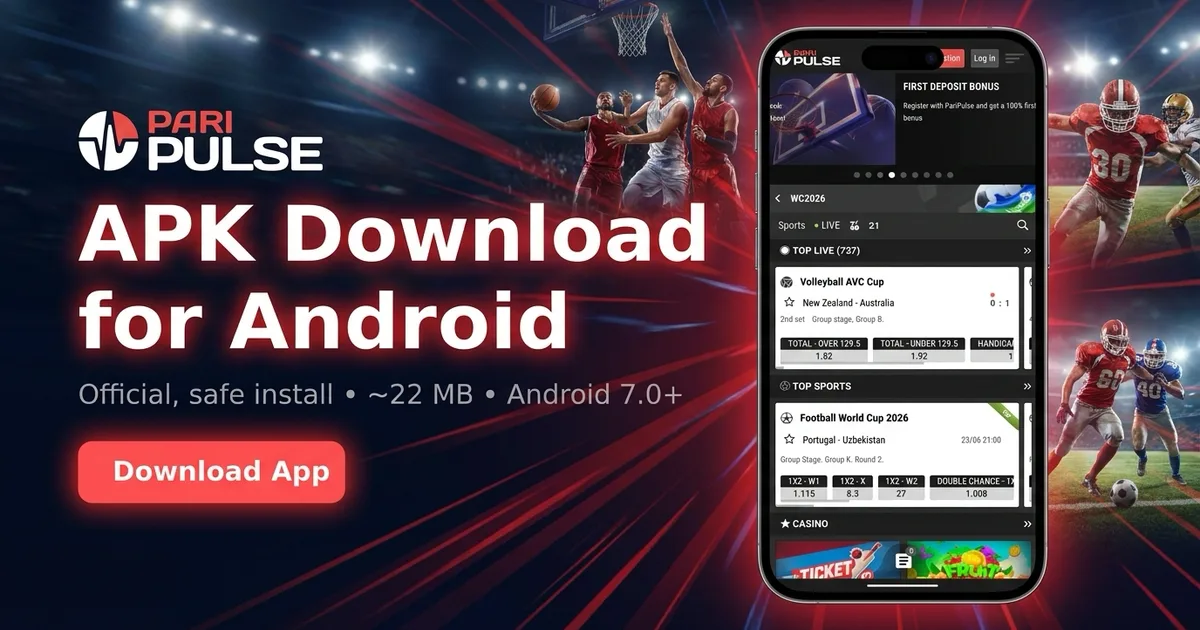
Why the PariPulse app isn't on Google Play or the App Store
Before you search the stores and come up empty: that is expected. Google Play and the Apple App Store both restrict real-money betting apps in Bangladesh and most of the markets PariPulse serves, so you will not find an official listing in either. The PariPulse app is instead distributed directly — the Android version as an APK from paripulse.com, and the iPhone version through Apple TestFlight, Apple's own review-and-distribution channel. Neither route jailbreaks your phone or weakens its security. Any 'PariPulse' you find on a third-party app store, a Telegram channel or a YouTube description is a copy-cat, so always start at paripulse.com. If you want the licensing and payout background first, read our PariPulse review or the is PariPulse legit and safe breakdown before installing.
How to download the PariPulse app on Android
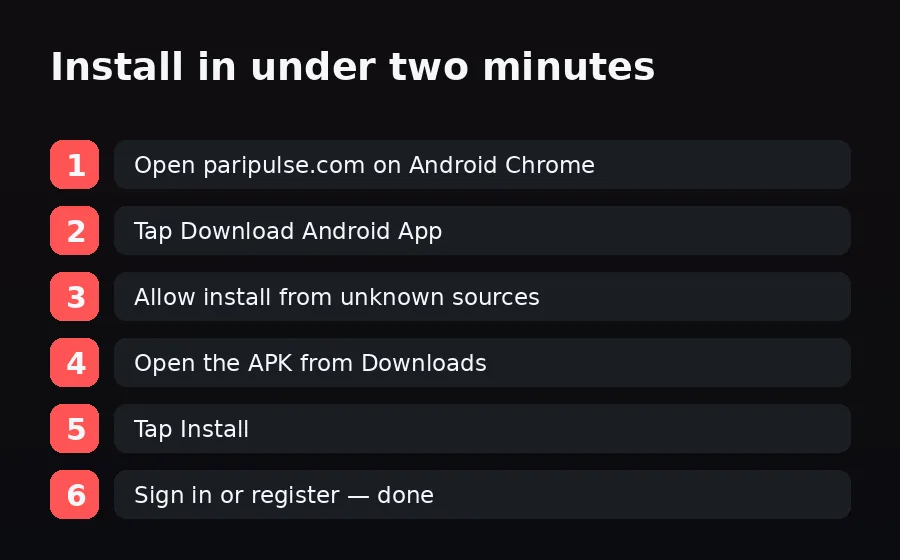
The Android route is a direct APK download and takes under two minutes on a recent phone:
- Open paripulse.com in Android Chrome.
- Scroll to the bottom and tap Download Android App — the APK (about 22 MB) starts downloading.
- When prompted, allow Chrome to install from unknown sources (Settings → Apps → Chrome → Install unknown apps).
- Open the APK from the Downloads notification and tap Install.
- Open the PariPulse bet app and sign in or register.
The app only requests Internet, Notifications, Camera (for KYC uploads) and Storage — never contacts, SMS or microphone. For the full integrity check, the SHA-256 verification step and update path, see the dedicated PariPulse APK download guide.
How to install the PariPulse bet app on iPhone
On iPhone the PariPulse app installs through Apple TestFlight rather than the App Store:
- Open paripulse.com in iPhone Safari.
- Tap the iOS / TestFlight link near the download button.
- Install Apple TestFlight from the App Store if you don't already have it — it's free and made by Apple.
- Back on the PariPulse invite, tap Accept, then Install.
- Open the app, sign in or register, and enable Face ID for instant unlock.
TestFlight is Apple's official beta platform, so the app stays sandboxed by iOS. Never install an 'iOS PariPulse' that asks you to trust an enterprise certificate from a website — the only safe iPhone route is TestFlight. Full detail is in our PariPulse iOS app guide.
What you need before you install
Check your device meets the minimums so the install doesn't stall. Older phones can still use the mobile-optimised site at paripulse.com, which runs as a progressive web app you can add to your home screen.
| Requirement | Android | iPhone / iPad |
|---|---|---|
| Operating system | Android 7.0 (Nougat) or newer | iOS 15 or newer |
| Install method | Direct APK from paripulse.com | Apple TestFlight |
| Download size | ~22 MB | App + TestFlight |
| Biometric login | Fingerprint | Face ID / Touch ID |
| Storage free | ~100 MB recommended | ~100 MB recommended |
There's a deeper breakdown of specs and supported devices in the PariPulse app requirements guide, and a side-by-side of the app vs the mobile site if you're undecided.
First login, deposit and your first bet
Once the PariPulse app is installed, the rest is quick. Sign in with the credentials you created, or register inside the app — full steps are in the PariPulse login guide. If you're claiming a welcome offer, enter the promo code during sign-up. Add funds with bKash or another supported method on the payments page — the PariPulse app deposit guide covers minimums and timing — then follow our walkthrough on how to place your first bet on PariPulse. New installs can also stack the app bonus on a first deposit.
Troubleshooting a failed install
Most install problems have a one-line fix. 'App not installed' on Android usually means an older PariPulse APK is still present — uninstall it first, then reinstall (a signature mismatch blocks the upgrade). A 'Parse error' means the file didn't fully download, so clear Downloads and retry. If the app won't open after install, your Android version is likely below 7.0. On iPhone, a 'build expired' notice just means a new TestFlight version shipped — reopen the PariPulse invite to get the latest build; your account and balance are untouched. For the full list of fixes, see PariPulse app not installing.
Disclosure & responsible play
PariPulse Affiliate earns commission on referrals; editorial coverage is unaffected. After installing, set the in-app deposit limits and session timers — they're the easiest safety tools you'll ever turn on. 18+ only. Help: BeGambleAware.org. See our responsible gambling page.