
TL;DR: the three fixes that solve most cases
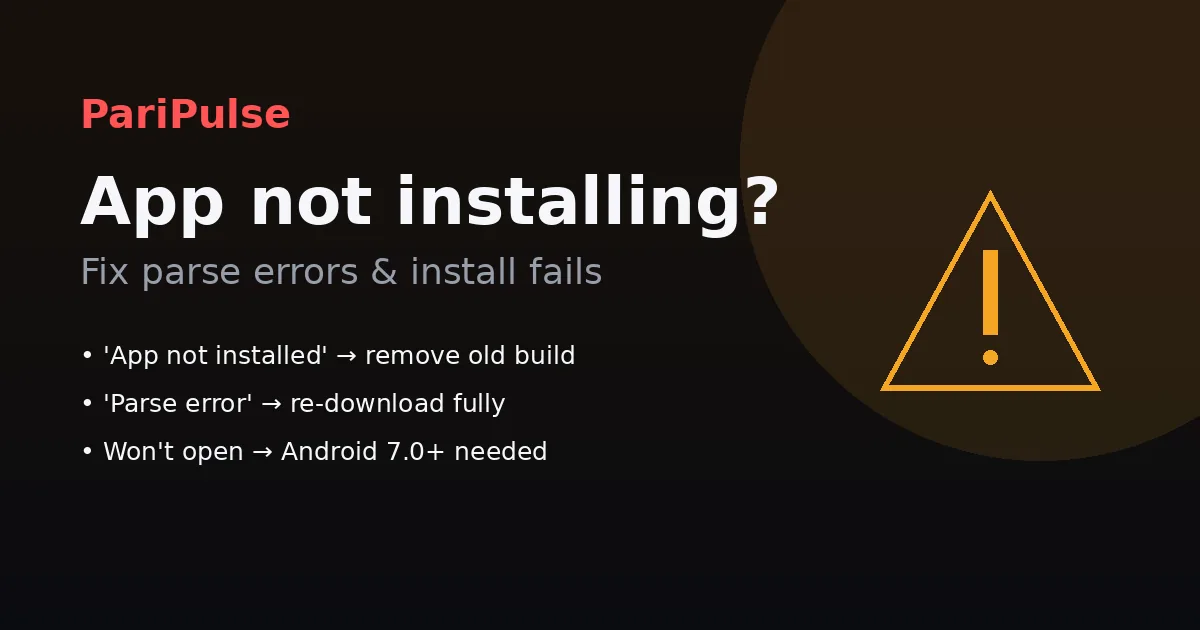
Nearly every PariPulse install failure is one of three things. 'App not installed' — uninstall any older PariPulse APK first (signature clash), then reinstall. 'Parse error' — the file did not fully download; clear Downloads and re-download from paripulse.com. Won't open after install — your Android is too old; the app needs Android 7.0 (Nougat) or newer. Always download the full ~22 MB file from the official site or our download guide; copies from Telegram or APK sites are the most common cause of corrupt installs.
'App not installed' and 'Parse error'
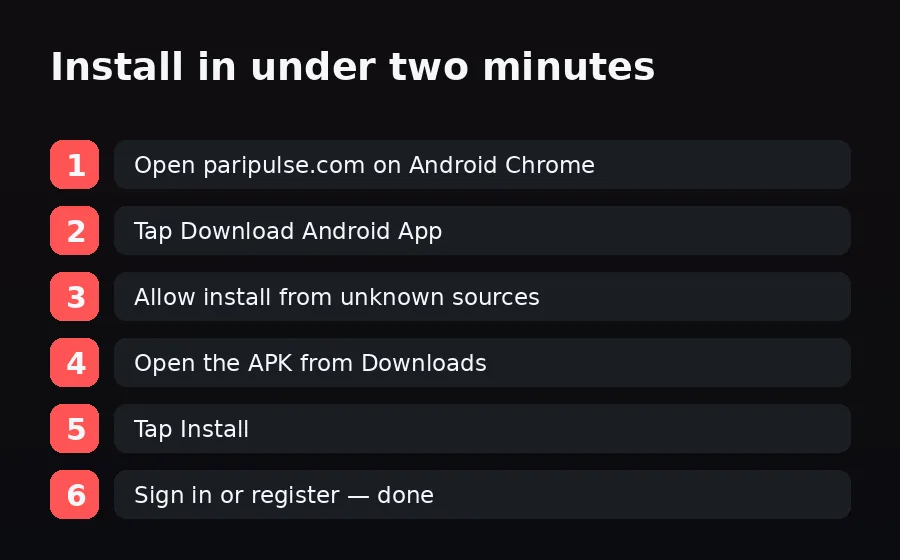
'App not installed' almost always means a signature mismatch with a previously installed PariPulse build. Uninstall the old app (Settings → Apps → PariPulse → Uninstall), then install the freshly downloaded APK. 'Parse error' means the APK is incomplete or corrupt: delete the file, clear the Downloads folder, switch to a stable connection (Wi-Fi or 4G) and download again from paripulse.com. Do not resume a half-finished download — start it fresh. If your phone blocks the install, allow your browser to install from unknown sources (Settings → Apps → Chrome → Install unknown apps).
Won't open, or no internet inside the app
Installs but won't open: check your Android version (Settings → About phone). The app requires Android 7.0 or newer; on older phones use the mobile site at paripulse.com instead. Opens but says no internet while your browser works: your ISP cannot reach the current mirror. Switch from Wi-Fi to mobile data, or change your DNS to Cloudflare 1.1.1.1 or Google 8.8.8.8. The app connects via the platform API, so once the network path is clear it loads normally. If it still fails, contact support for the latest mirror.
Storage, Play Protect and version clashes
Not enough storage: the APK needs ~22 MB to download plus headroom to install — free up space if the install stalls near the end. Play Protect warning: tapping 'Install anyway' is normal for an APK outside Google Play; you do not need to disable Play Protect permanently (and should never do so). Old version clash: if you sideloaded an unofficial build before, uninstall it completely so the official signature can install cleanly. After a successful install, the in-app updater keeps you current — see how in our update guide.
Disclosure & responsible play
PariPulse Affiliate earns commission on referrals; editorial coverage is unaffected. Use the in-app deposit limits and session timers. 18+ only. Help: iCall (+91-9152987821) or BeGambleAware.org. See our responsible gambling page.