
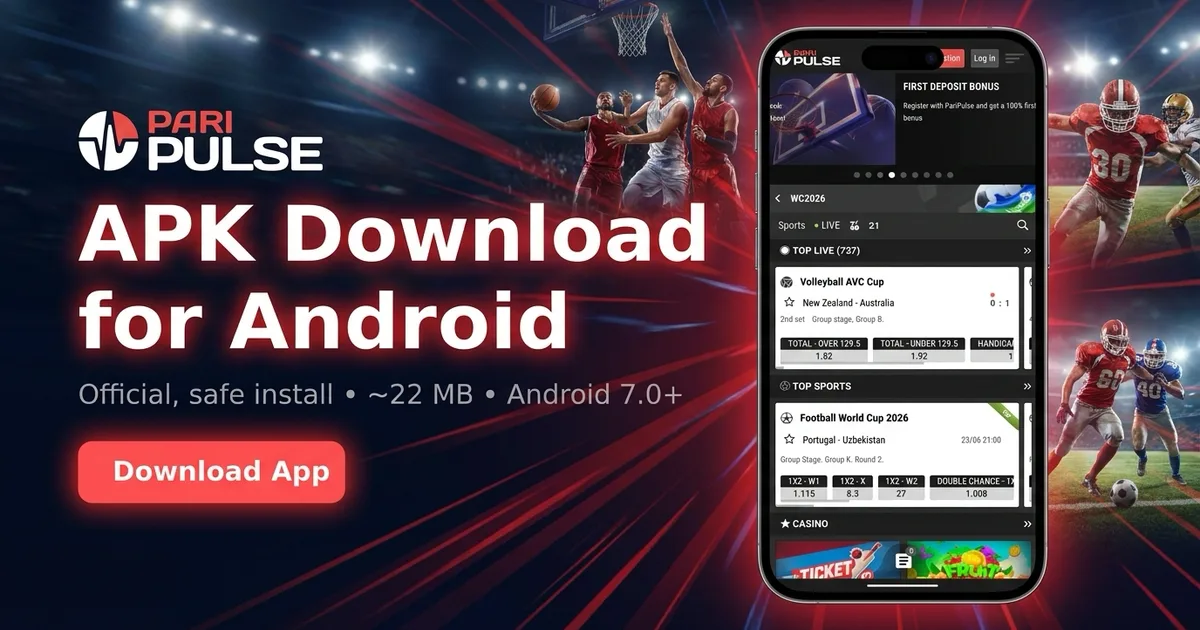
TL;DR: where to get the PariPulse APK in Nigeria
The only safe source is paripulse.com or a verified mirror redirect. Open the site on your Android phone, scroll to the bottom and tap Download Android App. The APK is roughly 22 MB, about a 45-second download on MTN or Glo 4G. Anything pushing the APK on Telegram, third-party APK directories or YouTube descriptions is a copy-cat with possible malware. Google Play does not list betting apps in Nigeria, so its absence is normal, not a red flag. For specs, screenshots and the iOS route, see the main PariPulse app page. For the licensing and payout background first, read our PariPulse review.
Step-by-step install
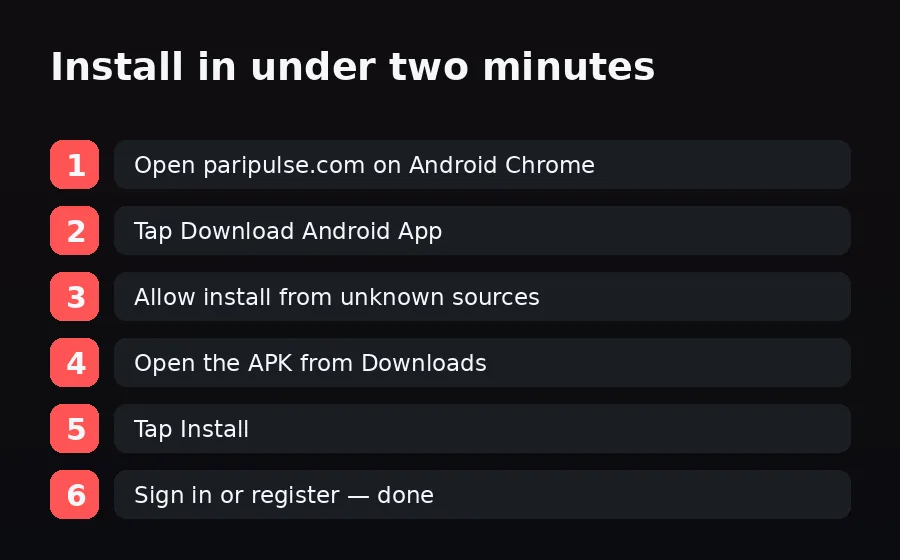
- Open paripulse.com on Android Chrome. 2. Tap Download Android App so the APK starts downloading. 3. When prompted, allow Chrome to install from unknown sources (Settings → Apps → Chrome → Install unknown apps). 4. Open the APK from the Downloads notification. 5. Tap Install. 6. Open the app, then sign in or register. On a recent phone the whole flow takes under two minutes. After signup you can fund instantly with OPay, Paystack or a NIBSS bank transfer on the payments page.
Permissions the app actually requests
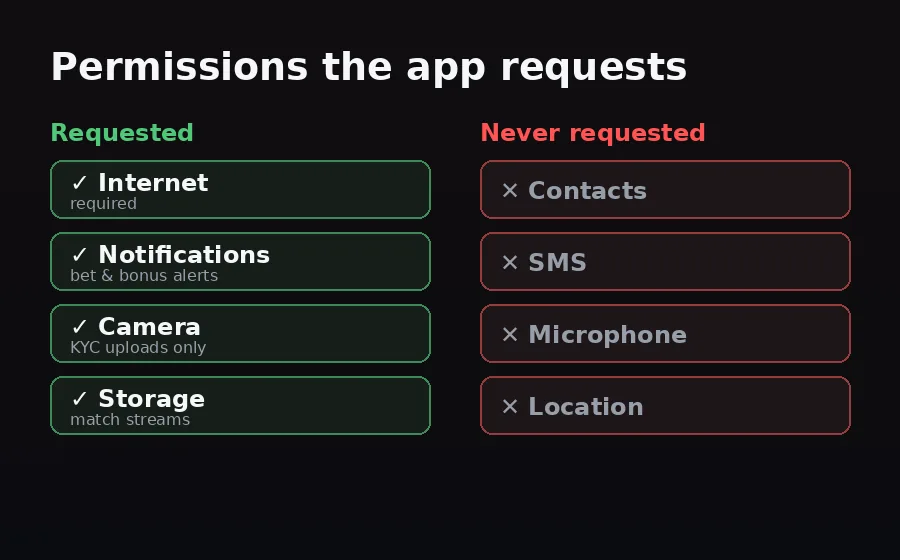
After install, PariPulse asks for: Internet (required), Notifications (NPFL and EPL kick-off plus won-bet and bonus alerts, optional), Camera (only when you upload KYC documents) and Storage (for downloading match streams). It does not request contacts, SMS, microphone or location. If a 'PariPulse' app asks for any of those, you have a fake APK, uninstall it and re-download from paripulse.com.
How to verify file integrity
PariPulse publishes the APK SHA-256 hash on the download page. After downloading, run a hash checker (e.g. Hash Droid from Google Play) on the file and compare it to the published hash. A match means the APK is unmodified. A different hash means a corrupted download or a tampered file, so delete it and re-download. The hash check is optional but worth it on networks you do not fully trust, such as public WiFi at a viewing centre.
Updates and version checking
The app auto-checks for updates on launch and prompts you to download a fresh APK when one is available. Manual check: account menu → About → Check for updates. Always update when prompted, older APKs lose access to the live odds feed within 30 days of a new release. An update never asks you to log in again unless the auth schema has rotated.
Troubleshooting the install
'App not installed', uninstall any older PariPulse APK first (signature mismatch). 'Parse error', the file did not fully download; clear Downloads and retry on a stable connection. Will not open after install, your Android is too old, the app needs Android 7.0 (Nougat) or newer. No internet inside the app but the browser works, your ISP cannot reach the current mirror; switch from WiFi to mobile data or ask support for the latest mirror.
Disclosure & responsible play
PariPulse Affiliate earns commission on referrals; editorial coverage is unaffected. Use the in-app deposit limits and session timers, they are the easiest tools you will ever set. Bet on sports or the casino for entertainment, not income. 18+ only. If betting stops being fun, see our responsible gambling page or visit BeGambleAware.org.